Get exclusive access on Wealth Insights' timely research, forecasts, and market updates from Metrobank’s financial experts.
To access exclusive content on Wealth Insights, sign up for Wealth Manager and enjoy the following benefits:
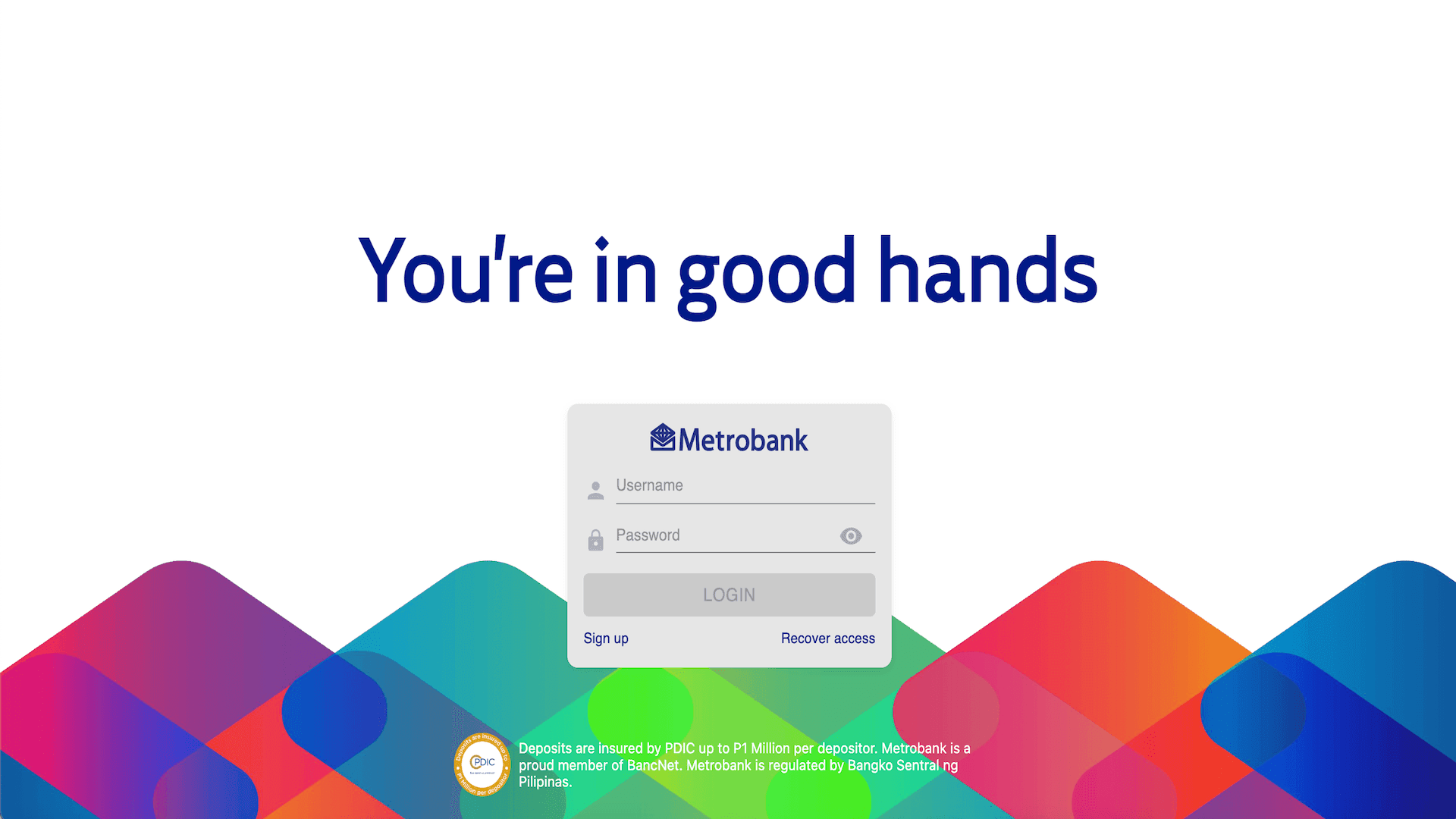
Log in to your account through the Metrobank Online site or the Metrobank App.
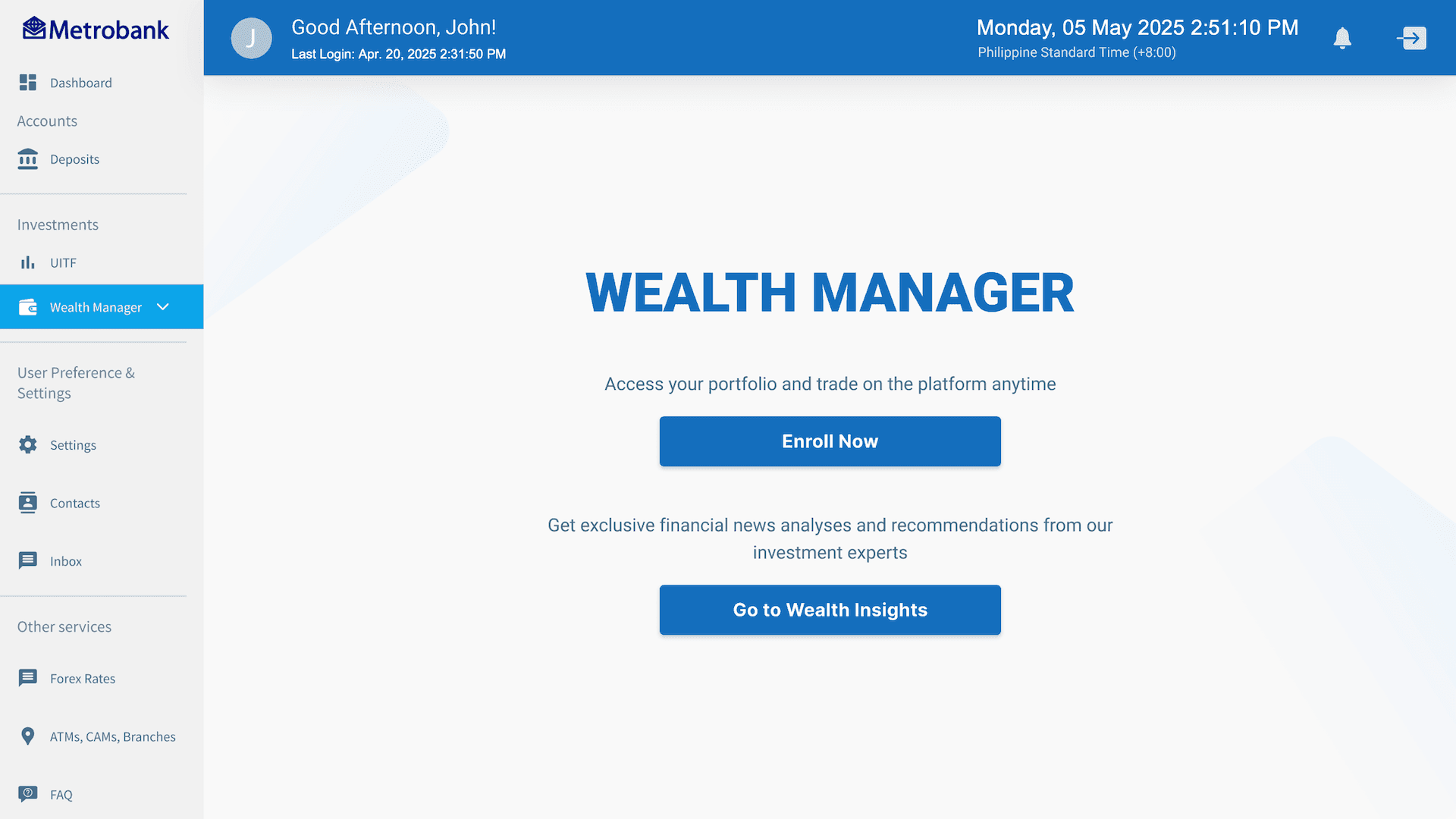
Go to the “Wealth Manager” section and click “Enroll Now".
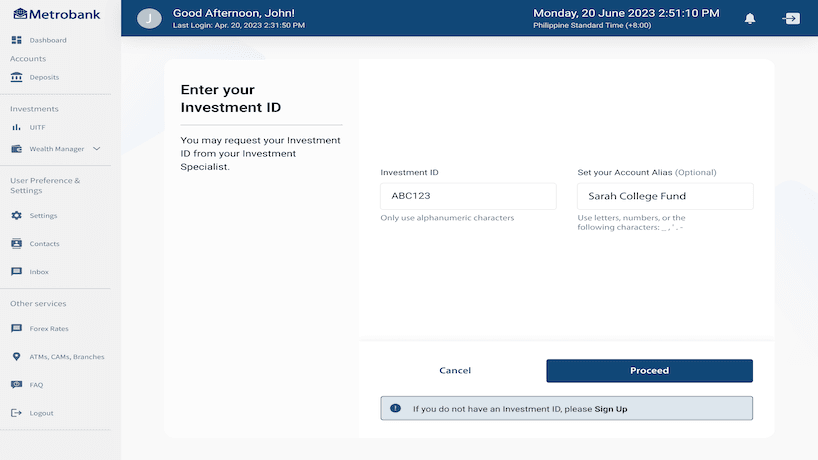
After clicking Proceed, you can now enter your Investment ID.
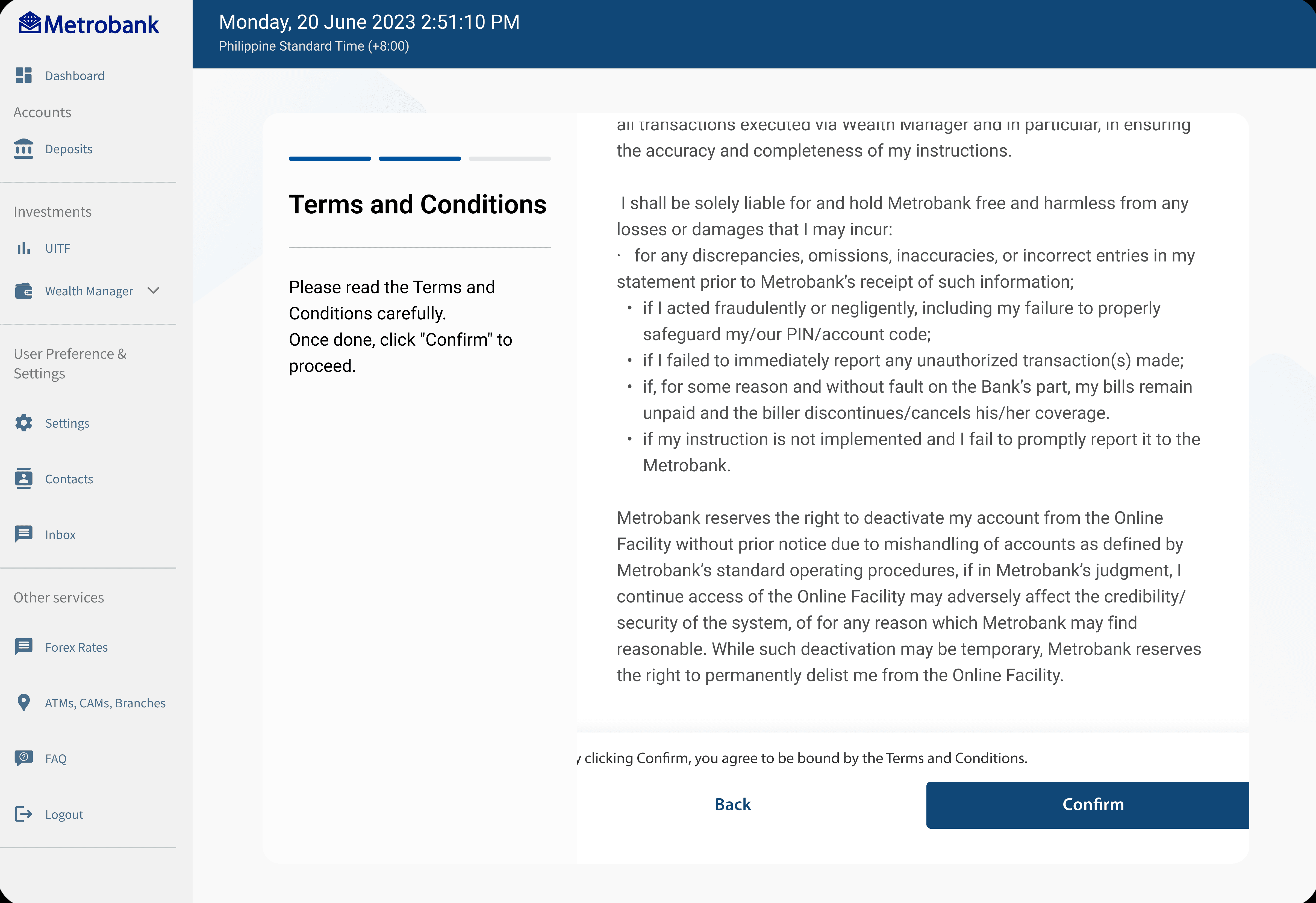
Read and accept the Terms and Conditions.
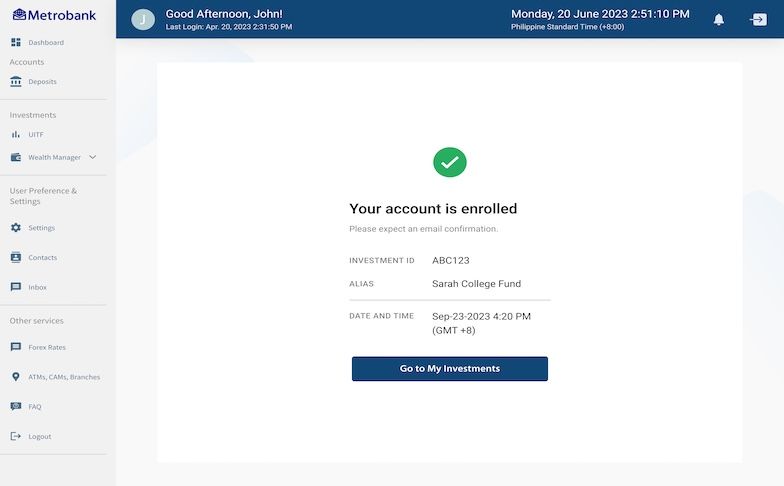
Your account is now enrolled. Check your email for the enrollment confirmation.